June 28, 2026
ChatGPT Prompting Guide for Work
By Synthex
ChatGPT works better when the prompt feels less like a wish and more like a clear handoff.
If you ask a vague question, ChatGPT has to guess what you mean, who the answer is for, how detailed it should be, what sources matter, and what "good" looks like. Sometimes it guesses well. Often, it gives you something polished but not quite usable.
This guide is based on OpenAI's ChatGPT Enterprise Prompting Guide. The practical idea is simple: a good prompt gives ChatGPT the job, the context, the output shape, and the standard of quality.
You do not need secret wording. You need fewer missing pieces.
What you'll learn
- How to think about prompts as work handoffs.
- Why one clear deliverable usually beats one giant prompt.
- How to use
# Context,# Instructions, and# Additional Information. - What to include when accuracy matters.
- How to use ChatGPT to improve your own prompt.
- When a Skill can help, and when it cannot.
- How to turn a rough work request into a prompt you can reuse.
What this is really about
Prompting is not about tricking ChatGPT.
It is about giving the model enough information to do the task you actually meant.
Think about how you would hand a task to a new coworker. You would not usually say:
You would explain:
- What the work is.
- Why it matters.
- What material to use.
- Who the output is for.
- What format you need.
- What should be avoided.
- How you will judge whether the result is useful.
That same handoff mindset makes ChatGPT much easier to work with.
Start with one deliverable
The fastest way to make a prompt worse is to ask for too much at once.
Weak:
That may produce something, but it is asking ChatGPT to do several different jobs at the same time.
Better:
This prompt has one job: find risks.
Once you have that, you can ask a second prompt:
This is the boring part that makes the results better: smaller prompts give you more control.
Use one prompt when the output is simple. Split the work when the task has multiple stages.
Use a clear prompt structure
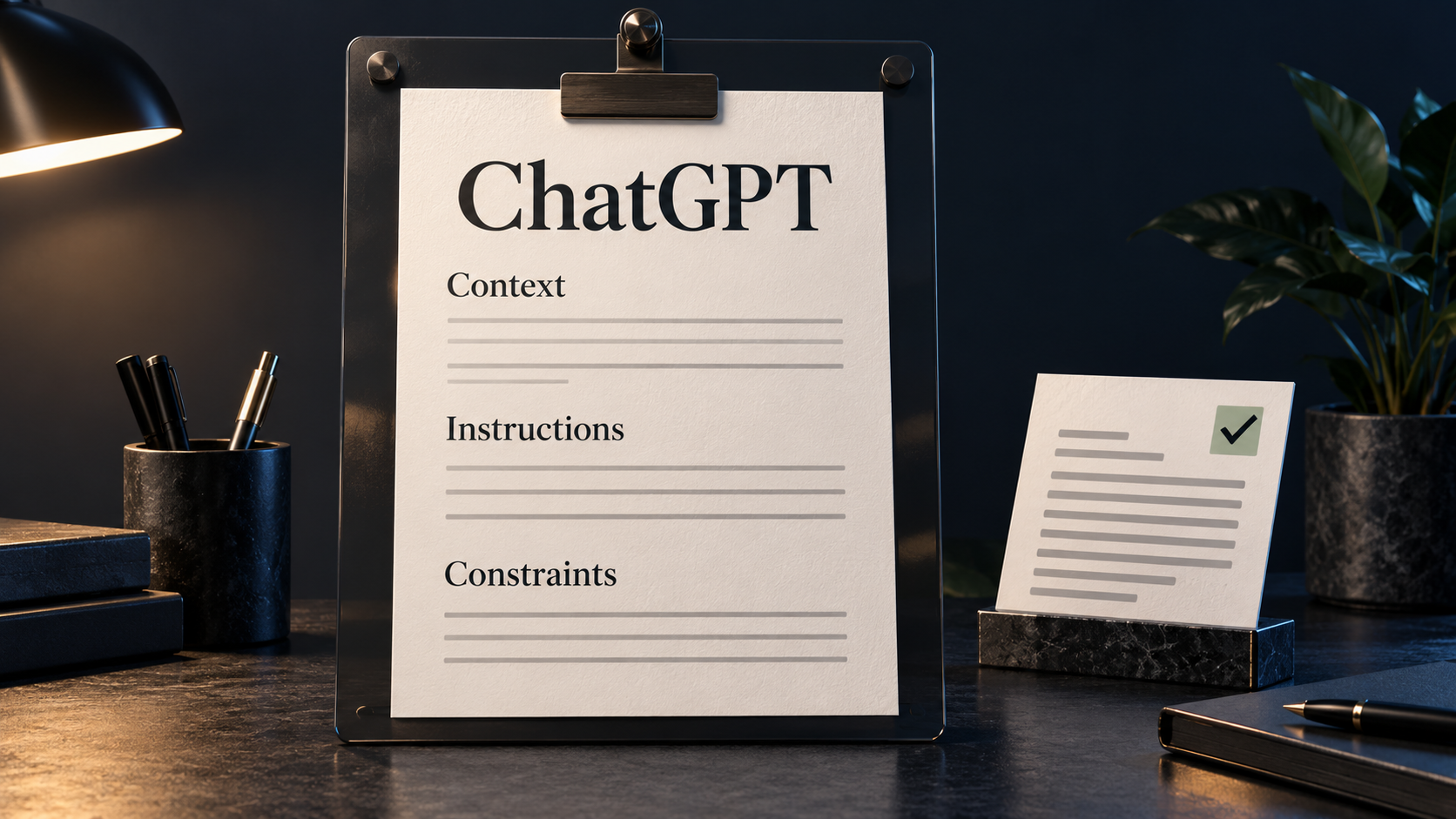
A good work prompt usually has three main parts:
These headings are not magic. They are just useful. They make the prompt easier for you to write and easier for ChatGPT to follow.
Context
Context tells ChatGPT what world it is working inside.
Useful context can include:
- Your role.
- The audience.
- The purpose of the output.
- The source material.
- The decision being made.
- What has already happened.
- What the reader already knows.
Example:
Without context, ChatGPT may write a generic update. With context, it can aim at the actual reader.
Instructions
Instructions are the specific job.
Good instructions use direct verbs:
- Summarize.
- Compare.
- Rewrite.
- Extract.
- Critique.
- Prioritize.
- Draft.
- Check.
- Turn this into.
Example:
The word focus matters. It tells ChatGPT what to pay attention to and what to leave out.
Additional Information
This is where you put the rules that make the output usable.
Include:
- Length.
- Format.
- Tone.
- Audience level.
- Must-include points.
- Things to avoid.
- Source rules.
- Uncertainty rules.
- Acceptance criteria.
Example:
This is the part many people skip. It is also the part that often makes the biggest difference.
Say what good looks like
ChatGPT cannot reliably hit a standard you never describe.
If the output needs to be executive-ready, say what that means. If it needs to be simple enough for a customer, say that. If it needs to preserve exact wording from a document, say that.
Weak:
Better:
You are not just asking for "better." You are defining better.
Useful quality standards:
| If you want | Add this to the prompt |
|---|---|
| A concise answer | Keep it under 150 words. |
| A skimmable answer | Use headings and bullets. |
| A factual answer | Use only the provided material. Mark missing facts as "Not specified." |
| A decision-ready answer | End with a recommendation and 2-3 reasons. |
| A safer answer | List assumptions before the final answer. |
| A consistent format | Use this exact structure: |
The more important the output, the more clearly you should define the standard.
Use meta-prompting when your notes are messy
Sometimes the problem is not that ChatGPT needs a better answer. The problem is that you do not yet have a clear prompt.
That is where meta-prompting helps.
Meta-prompting means asking ChatGPT to help you write the prompt itself.
Use it when:
- You have messy notes.
- You know the outcome but not the wording.
- You need a repeatable prompt for the same kind of task.
- The task has many constraints.
- You are not sure what context ChatGPT needs.
Example:
This is useful because ChatGPT can often spot missing details before you waste time generating the wrong thing.
Do not use meta-prompting for everything. If the task is simple, write the prompt directly. If you are missing the actual source material, get the source material first. A cleaner prompt cannot replace missing information.
Add accuracy guardrails
For casual brainstorming, you may not need heavy checks.
For work that affects decisions, customers, money, policy, legal review, health, security, hiring, finance, or public claims, add guardrails.
Good accuracy guardrails include:
You can also ask ChatGPT to review its own output against a checklist:
This does not make the answer perfect. It gives you a better review surface.
The rule is simple: the higher the stakes, the more explicit the review step should be.
Give ChatGPT the right material
A prompt cannot fix missing source material.
If you want ChatGPT to summarize a document, upload the document or paste the relevant section. If you want it to compare policies, give it the policies. If you want it to search connected work tools, tell it which source should be treated as authoritative.
For work tasks, source quality matters as much as prompt quality.
Useful source instructions:
For connected workplace sources:
This is especially useful in company workspaces where the same topic may appear in several places.
Optional: use a Skill for repeatable prompting
In ChatGPT, a Skill is a reusable helper for a repeated type of work. It can hold instructions, files, or a workflow so you do not have to rebuild the same prompt every time.
For example, a prompt-improvement Skill could help you turn rough notes into a structured prompt with the same sections each time.
Use a Skill when:
- You repeat the same prompting workflow often.
- You want consistent structure across a team.
- The task has stable rules.
- You keep forgetting important checks.
Do not use a Skill to hide unclear thinking.
If the task itself is vague, scope it first. A Skill can make a good pattern easier to reuse, but it cannot decide what your work should mean.
Before and after examples
These examples are intentionally simple. The point is not to copy them exactly. The point is to see how context, instructions, output format, and guardrails change the result.
Example 1: summarize a document
Weak:
Better:
Example 2: rewrite a customer reply
Weak:
Better:
Example 3: compare options
Weak:
Better:
Common misunderstandings
"A longer prompt is always better"
Not necessarily.
A long prompt helps only when it is organized and relevant. A short prompt with clear context, instructions, and output format is usually better than a long paragraph full of vague wishes.
"ChatGPT should know what I mean"
Sometimes it can infer your intent. That does not mean it should have to.
If the audience, source, tone, or success criteria matter, put them in the prompt.
"The first answer should be final"
No.
Prompting is usually iterative. If the first answer is wrong, ask why. Was the source missing? Was the format unclear? Did you ask for too much at once? Improve the prompt based on what failed.
"A Skill replaces prompt thinking"
No.
A Skill can help repeat a pattern. It does not replace scoping, source selection, judgment, or review.
What to do first
Use this simple workflow:
- Decide the single output you want.
- Write one sentence describing what "good" looks like.
- Add the source material ChatGPT should use.
- Write the prompt with
# Context,# Instructions, and# Additional Information. - Specify the output format.
- Add constraints like length, tone, and what not to invent.
- Add an accuracy check if the work matters.
- Review the result.
- If it misses, revise the prompt instead of arguing with the output.
Here is a reusable template:
Final takeaway
Better prompting is mostly better handoff.
Give ChatGPT the task, the context, the source material, the output shape, and the quality standard. Keep the scope small enough for one useful answer. When the prompt is messy, ask ChatGPT to help clean it up. When the answer matters, add guardrails and review it.
The goal is not to write a perfect prompt. The goal is to make the work clear enough that the answer becomes easier to trust, edit, and use.
Further reading
- OpenAI ChatGPT Enterprise Prompting Guide: https://developers.openai.com/cookbook/examples/chatgpt/chatgpt_prompt_guide/chatgpt_prompt_guide (opens in new tab)
- OpenAI prompt engineering guide: https://developers.openai.com/api/docs/guides/prompt-engineering (opens in new tab)